
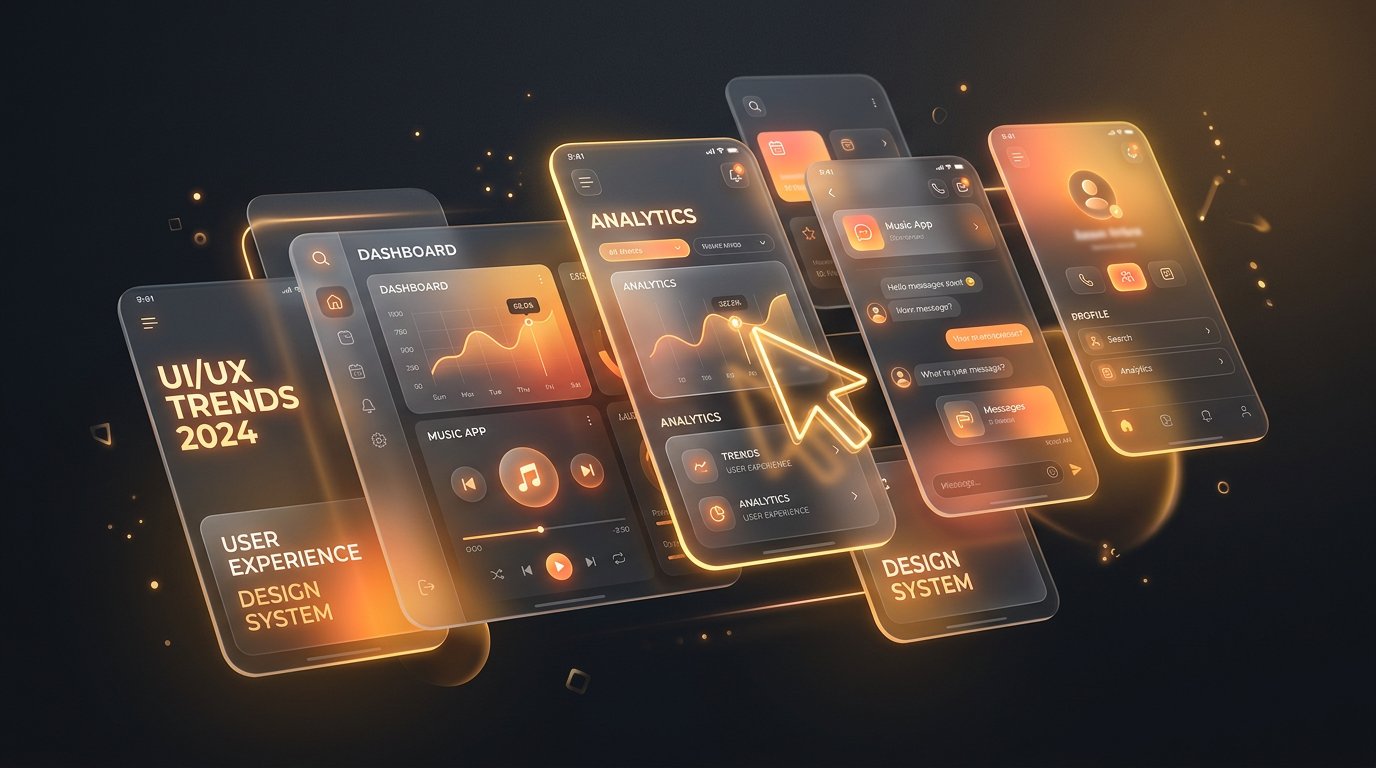
Design trends are only worth following when they serve users. Here are the ten shaping 2026 — with an honest note on which actually improve conversions, from our UI/UX designer Victor.
1. 3D micro-interactions
Subtle depth — cards that tilt toward the cursor, objects that respond to scroll — makes interfaces feel alive and tactile. Used sparingly, it increases engagement; used everywhere, it increases bounce. The keyword is micro.
2. Dark-mode-first design
More products now design dark first and adapt to light, rather than the reverse. Dark UIs reduce eye strain, flatter imagery and make accent colours sing — but demand careful contrast work to stay accessible.
3. AI-personalised interfaces
Content, ordering and even layout that adapts to user behaviour. The conversion upside is real, but so is the trust cost when it feels creepy. Best practice: personalise the content, keep the structure predictable.
4. Kinetic typography
Type that moves — reveals on scroll, variable-font weight shifts, marquee headlines. It carries brand personality without heavy imagery, and it's exceptionally performant compared to video.
5. Glassmorphism, matured
Frosted-glass layers are no longer a gimmick; they've become a standard way to express hierarchy and depth, especially over rich backgrounds. Modern CSS makes them cheap to render.
6. Cursor as an interface element
Custom cursors that grow, magnetise toward buttons or preview content turn navigation into an experience. Desktop-only by definition — always design the touch equivalent.
7. Scroll-driven storytelling
Scroll-triggered scenes that unfold a narrative — especially powerful for product launches and case studies. The new CSS scroll-driven animation APIs make this dramatically more performant than the JavaScript-heavy versions of past years.
8. Bento grids
Dashboard-style modular layouts that present mixed content — stats, images, features — in scannable tiles. Users love them because they mirror how we actually scan: in chunks, not columns.
9. Accessible by default
The most important "trend" is no longer optional: WCAG compliance, visible focus states, reduced-motion preferences and genuine colour contrast. Accessibility regulations are tightening worldwide — and accessible sites convert better for everyone.
10. Performance as design
Users perceive fast as beautiful. The best teams now treat Core Web Vitals as a design constraint from the first wireframe, not an engineering cleanup at the end.
Which trends actually convert?
In our testing: performance, bento layouts, accessibility and restrained micro-interactions consistently lift conversions. Heavy 3D, experimental navigation and aggressive personalisation are brand plays — valuable, but measure them honestly.
Trends should amplify your message, never replace it. If a visitor remembers the animation but not the offer, the design failed.
Want an interface that's both current and converting? See our UI/UX and prototyping services.